
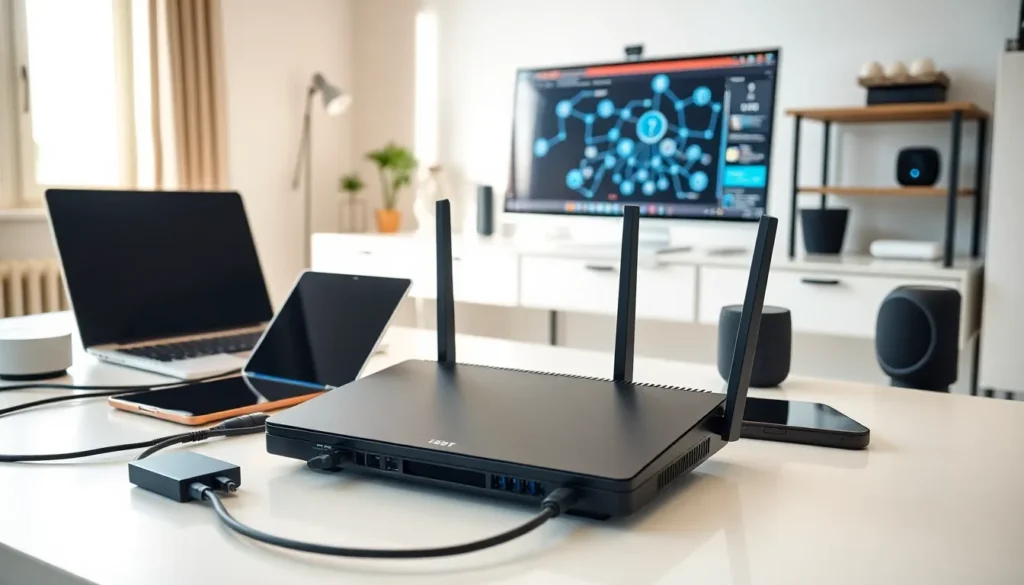

Home networking connects all the devices in a household to share internet access, files, and resources. Whether someone streams movies, works remotely, or controls smart home gadgets, a home network makes it possible. This guide explains how home networking works, what equipment is needed, and why every modern household benefits from a properly configured network. Understanding home networking basics helps users make smarter decisions about their internet setup and device connectivity.
Table of Contents
ToggleKey Takeaways
- Home networking connects all household devices to share internet access, files, printers, and smart home gadgets through a central system.
- A modem receives the internet signal from your ISP, while a router distributes that connection to multiple devices via wired or wireless methods.
- Ethernet cables deliver the fastest, most stable connections for gaming and video calls, while Wi-Fi offers flexibility for mobile devices.
- Mesh Wi-Fi systems and access points solve coverage issues in large homes by eliminating dead zones.
- A properly configured home network supports remote work, entertainment streaming, and smart home automation while reducing costs through shared resources.
How Home Networks Work
A home network creates a communication pathway between devices and the internet. The process starts with an internet service provider (ISP) delivering a signal to the home. A modem receives this signal and converts it into data that devices can use.
The router then takes over. It distributes the internet connection to multiple devices, laptops, phones, smart TVs, and gaming consoles. Each device receives a unique IP address from the router, which acts like a mailing address for data packets.
Home networking relies on two main communication methods. Wired connections use Ethernet cables to link devices directly to the router. Wireless connections use Wi-Fi signals that travel through the air. Most modern home networks combine both methods.
Data moves through the network in packets. When someone loads a webpage, the request travels from their device to the router, out through the modem, across the internet to a server, and back again. This round trip happens in milliseconds.
The router also acts as a traffic controller. It manages which device gets bandwidth priority and protects the network from outside threats through a built-in firewall. A well-configured home network keeps data flowing smoothly to every connected device.
Essential Components of a Home Network
Every home network needs specific hardware to function. Understanding these components helps users build a reliable setup.
Modem
The modem connects the home to the ISP. Cable modems work with coaxial cables, while DSL modems use phone lines. Fiber connections require an optical network terminal (ONT). Some ISPs provide a modem, but buying one often saves money on rental fees.
Router
The router distributes the internet connection throughout the home. It creates the local network and assigns IP addresses to devices. Modern routers support Wi-Fi 6 or Wi-Fi 6E, which offer faster speeds and better performance with multiple devices. Many users opt for a modem-router combo unit to simplify their home networking setup.
Ethernet Cables
Ethernet cables provide the fastest, most stable connections. Cat5e cables handle speeds up to 1 Gbps, while Cat6 and Cat6a cables support faster speeds over longer distances. Wired connections work best for gaming consoles, desktop computers, and streaming devices.
Network Switch
A network switch expands the number of wired connections available. If the router has four Ethernet ports but the home needs eight, a switch adds those extra ports. Switches are inexpensive and easy to install.
Access Points and Mesh Systems
Large homes often struggle with Wi-Fi dead zones. Access points extend wireless coverage to distant rooms. Mesh Wi-Fi systems use multiple units that communicate with each other to blanket the entire home in consistent signal. These systems have become popular for home networking in multi-story houses.
Types of Home Network Connections
Home networks use different connection types based on speed requirements, device locations, and user preferences.
Wired Ethernet
Ethernet remains the gold standard for home networking performance. Wired connections deliver consistent speeds without interference from walls, appliances, or neighboring networks. Latency stays low, making Ethernet ideal for online gaming and video calls. The downside? Running cables through walls takes effort and planning.
Wi-Fi
Wireless connections offer convenience and flexibility. Users can move around the house while staying connected. Wi-Fi 6 routers handle dozens of devices simultaneously without slowdowns. But, Wi-Fi signals weaken over distance and through physical barriers. Thick walls, metal objects, and microwave ovens can all interfere with wireless home networking.
Powerline Adapters
Powerline adapters send network data through existing electrical wiring. Users plug one adapter near the router and another in a distant room. These devices bridge the gap where Wi-Fi struggles and Ethernet cables aren’t practical. Performance varies based on the home’s electrical wiring quality.
MoCA (Multimedia over Coax Alliance)
MoCA technology uses coaxial cable lines to transmit network data. Homes with existing coax wiring can create a wired backbone without drilling holes or running new cables. MoCA adapters deliver near-Ethernet speeds and work well for home networking in older houses with coax throughout.
Benefits of Setting Up a Home Network
A properly configured home network delivers real advantages for daily life.
Shared Internet Access
Multiple family members can browse, stream, and work online at the same time. Without a home network, only one device could use the internet connection. Today’s households average over 20 connected devices, all needing simultaneous access.
File and Printer Sharing
Home networking allows devices to share files without USB drives or cloud uploads. A document on one computer becomes accessible from another. Network printers serve every device in the house instead of requiring physical connections to each one.
Smart Home Integration
Smart thermostats, security cameras, voice assistants, and automated lighting all depend on home networking. These devices communicate through the local network and connect to cloud services. A strong network keeps smart home systems responsive and reliable.
Entertainment Streaming
Netflix, gaming, and music streaming require consistent bandwidth. A good home network distributes that bandwidth effectively. Some routers even prioritize streaming traffic to prevent buffering during peak usage.
Remote Work and Learning
Video conferencing, file uploads, and VPN connections demand stable internet. Home networking ensures work devices get the bandwidth they need. Many remote workers use wired connections at their desks for maximum reliability.
Cost Savings
One internet subscription serves the entire household. Shared devices like printers and storage drives reduce duplicate purchases. A well-planned home network pays for itself through efficiency.


